Design tools
Fetch designs straight in as template backgrounds – and update the template with one click when the design changes.
Smooth signage · in pilot
skrm.app runs your business's screens from one place. The designer sets the standard once – fonts, colours, logo and locked templates – and everyone else publishes their own posts within it in a minute. The same look on every screen, with a live clock, weather and departures – and screens that keep playing even when the network doesn't.
// Design policy
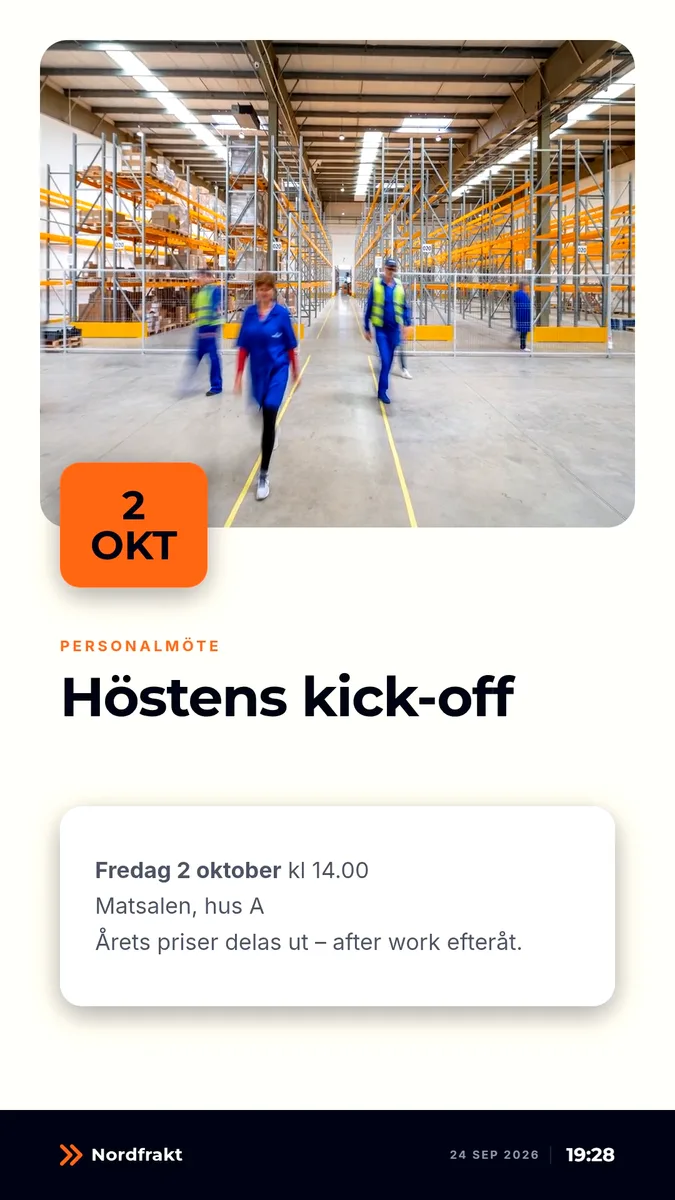
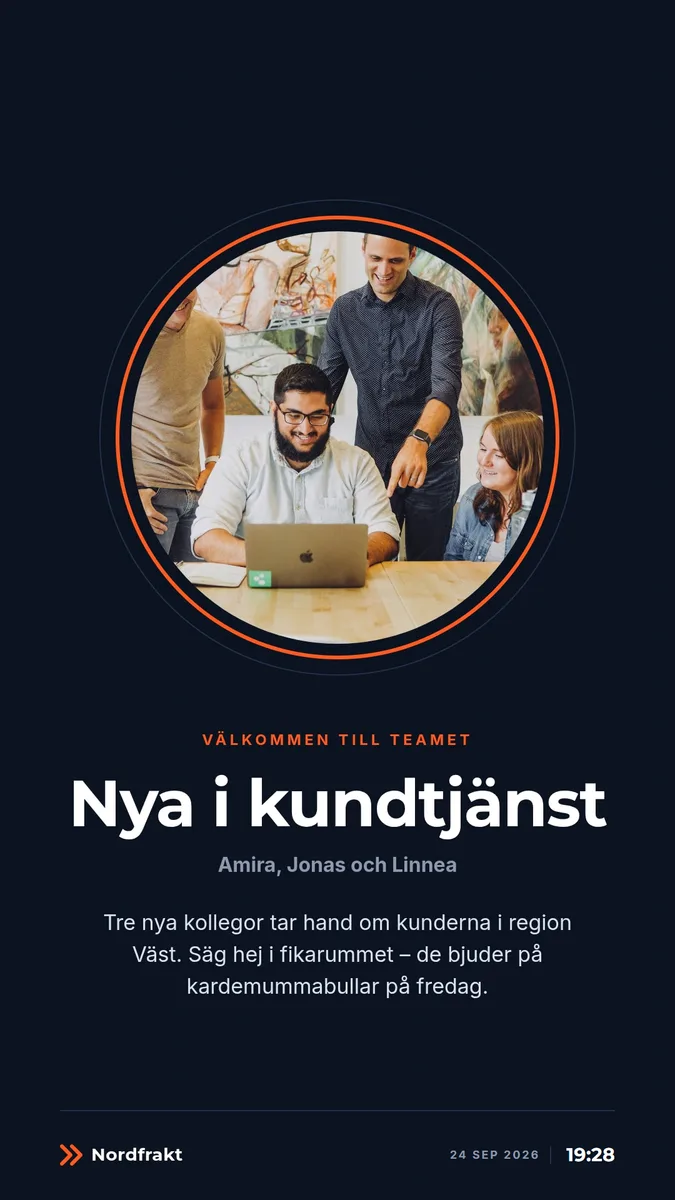
Your brand shouldn't depend on who happens to be writing. In skrm.app the design is a policy: the designer decides fonts, colours, logo and layout once – and every post, from every shop, depot and office, automatically stays within the lines. Nobody needs to know design for it to come out right.
// How it works
The look is decided once. The content changes as often as you like – without anyone being able to break it.
The designer builds the template in the studio – from a starter layout or their own background, in the brand's fonts and colours. Each zone gets locked rules: fonts, colours, sizes and how much text fits.
studio · zones · rules
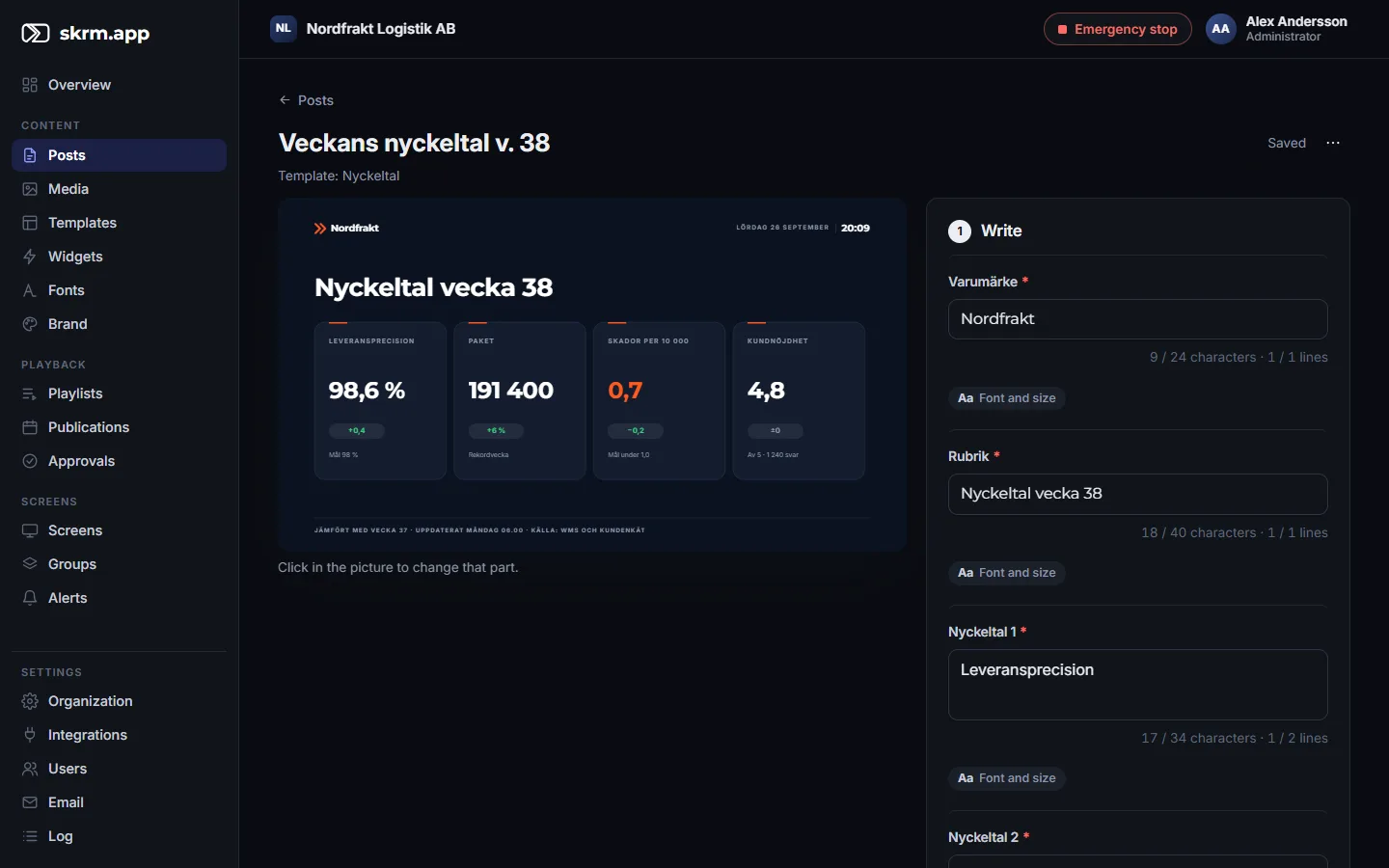
The shop, warehouse or office picks an approved template, writes its text and chooses a picture – within the designer's limits and with a preview that looks exactly like the screen.
text · picture · preview
The server draws a sharp picture or video in the screen's resolution. Screens download, check and switch only when everything is local – never a black frame. Then the screen reports what it actually showed.
rendering · sync · statistics
// Template studio
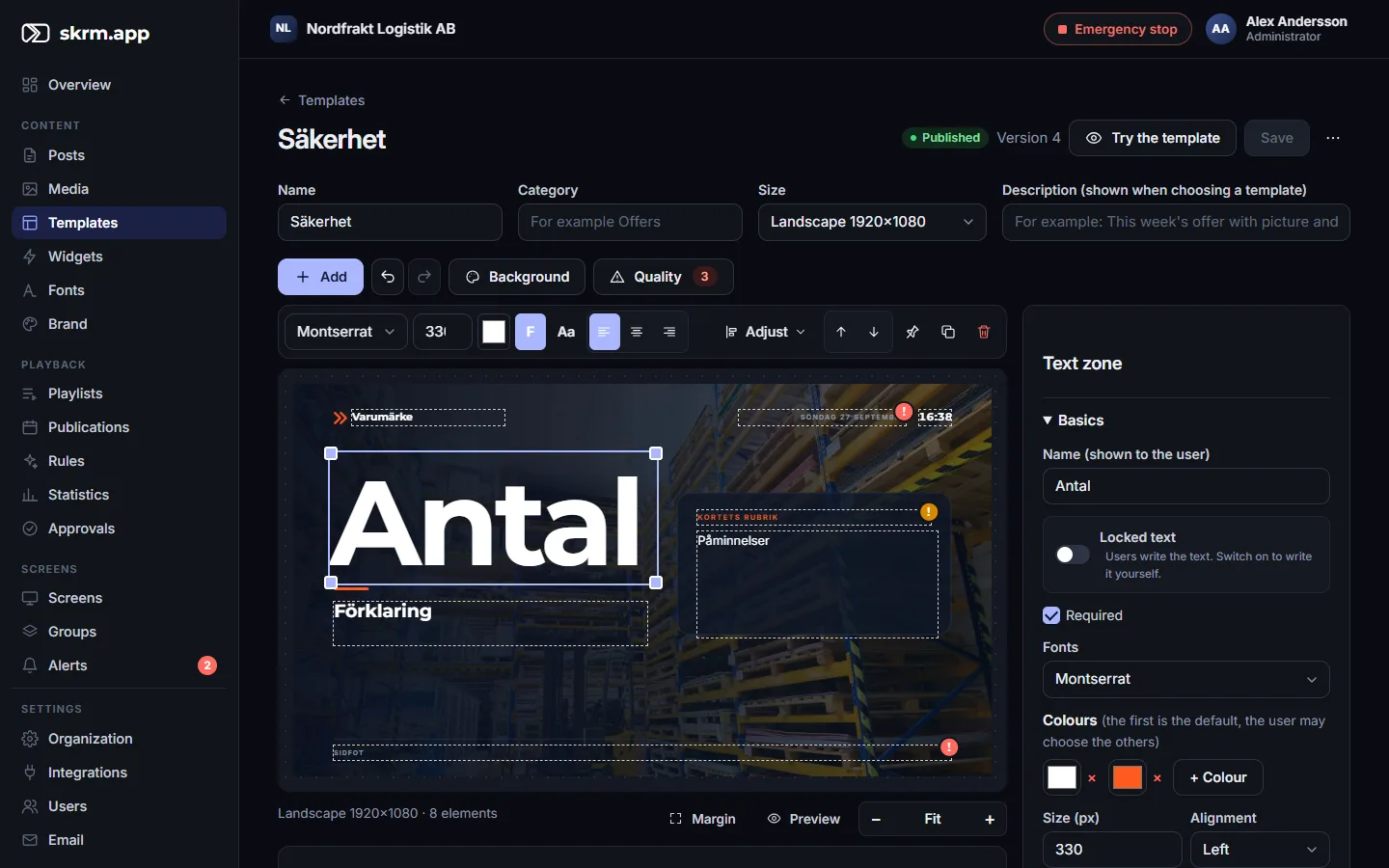
Designers build templates right in the browser – with the moves of a real design program, and checks that make sure it looks great on the screen, not just on the laptop.
// Easy administration
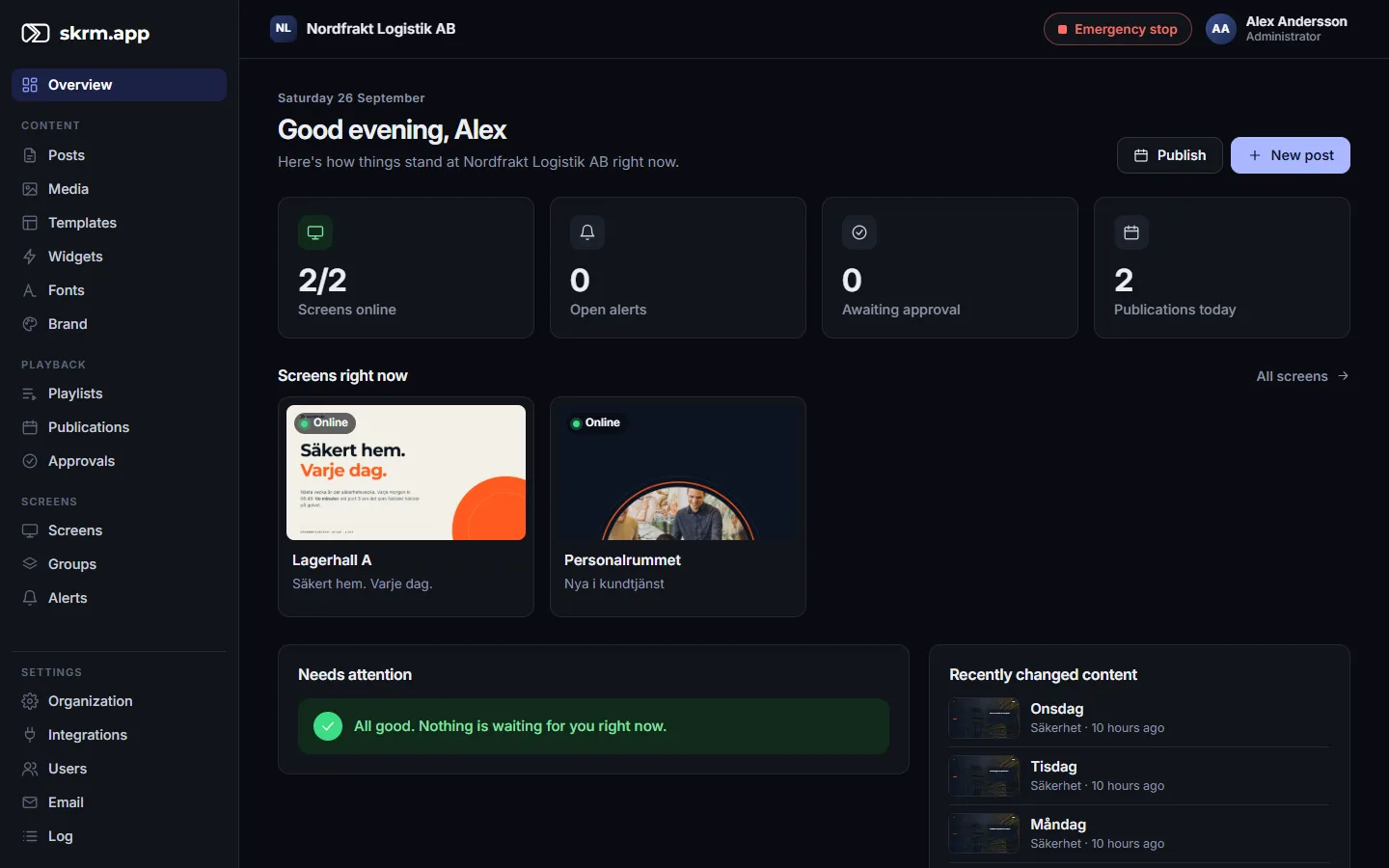
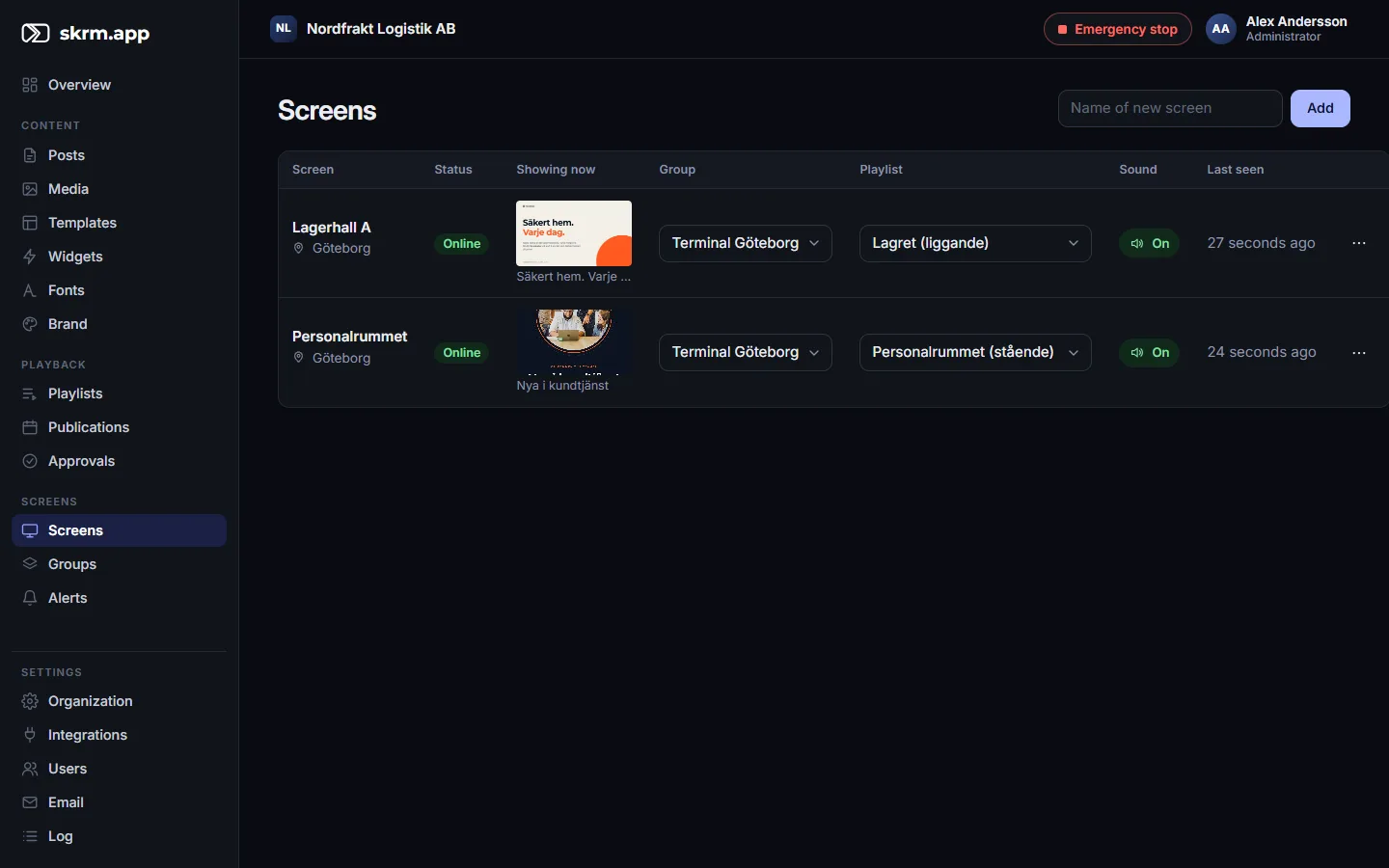
Everything is done in the browser – on a computer or a phone. The overview shows at once what needs attention, and everyone only sees what they need.
// Live screens
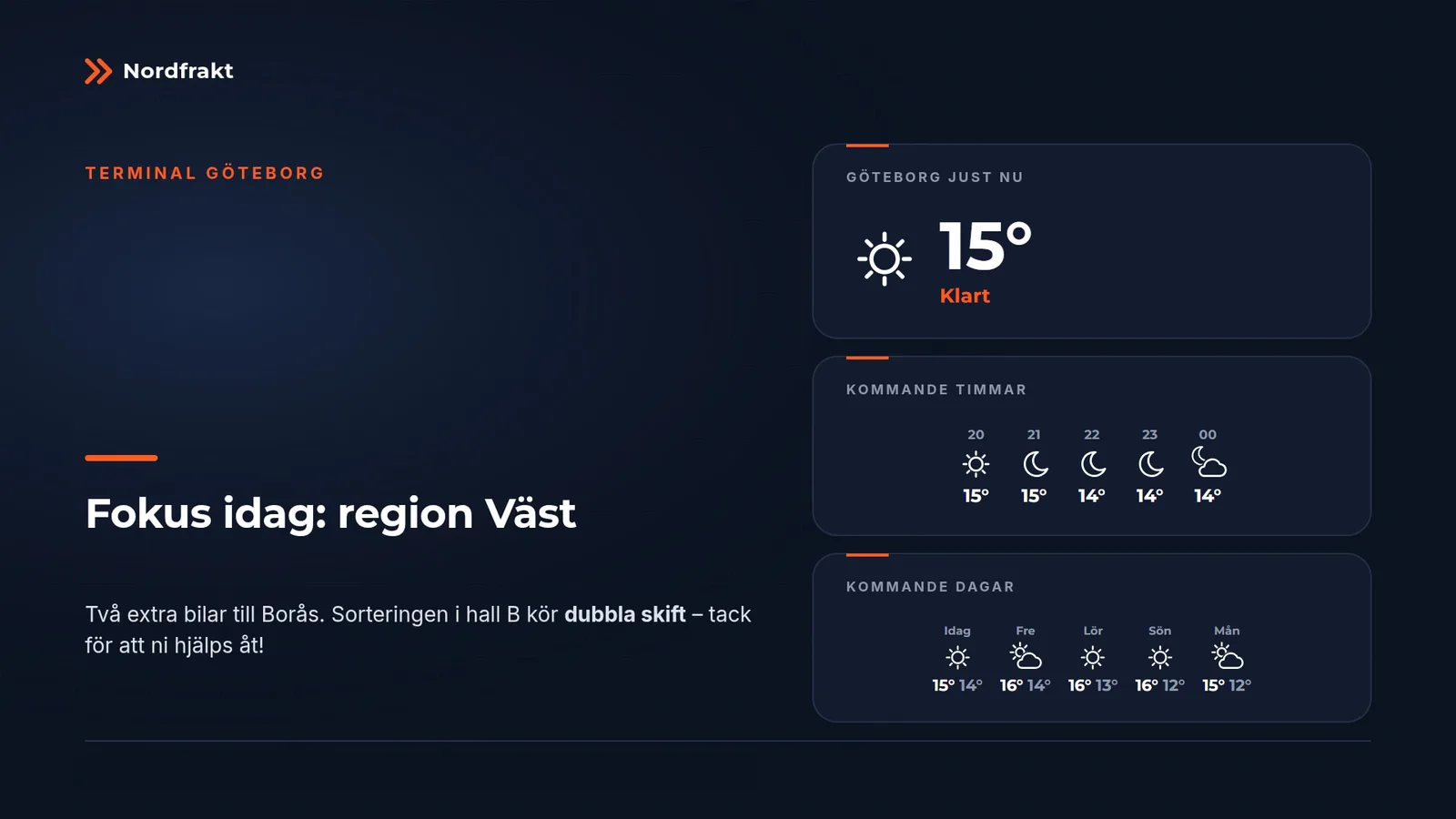
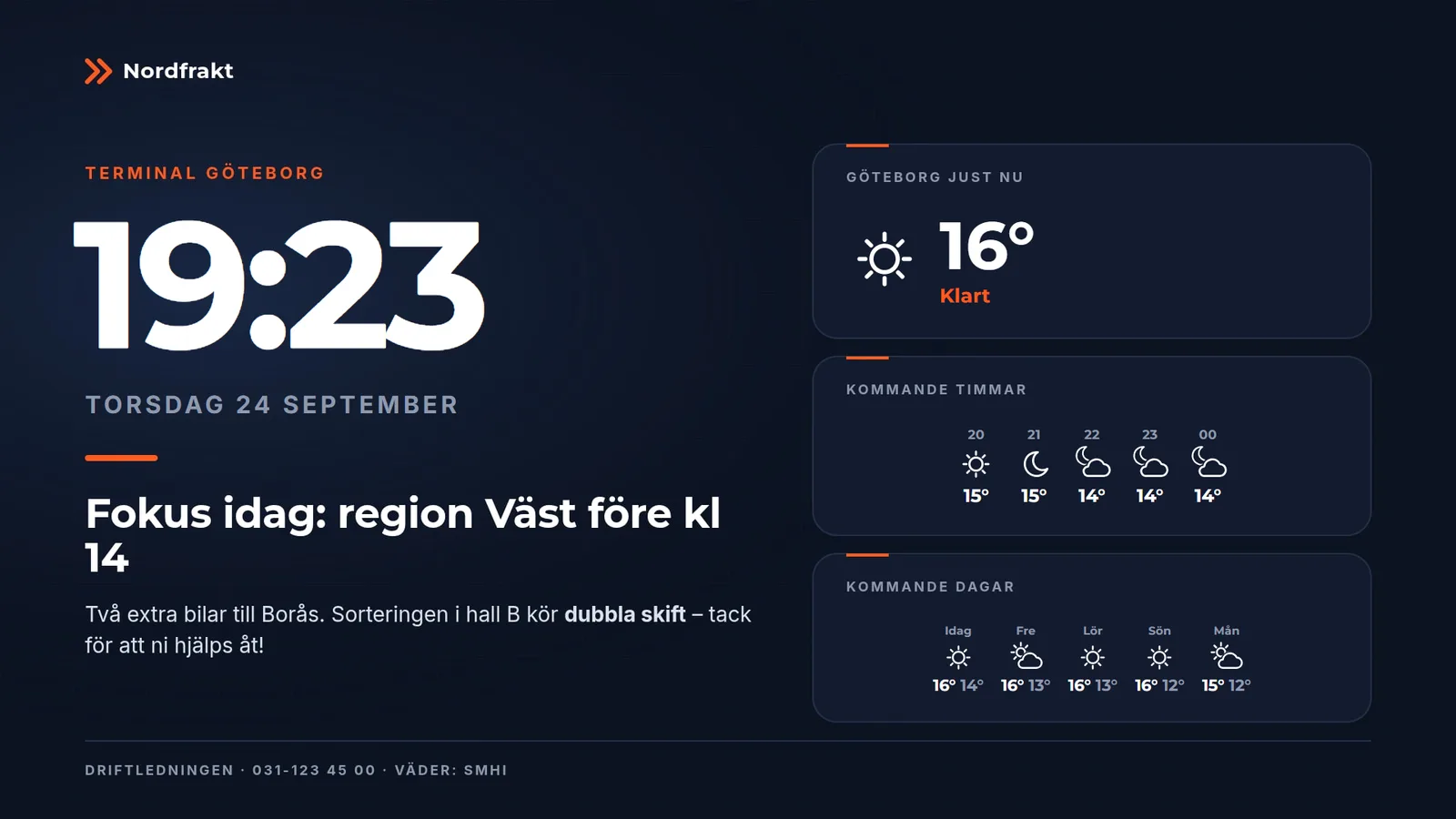
Widgets are live parts of the templates – clock, weather, departures, news, calendars and much more – that the screen draws itself on top of the content. Fonts, colours and placement follow the template, so they look like they've always belonged there.
And more to choose from
// Motion and video
Put a film in any media zone. It is cropped and gets rounded corners just like a picture – and text can sit on top.
// Screens
A screen at a depot or in an entrance should just work – without anyone having to go there. The player keeps an eye on itself, and whatever is still needed is done remotely.
// Integrations
skrm.app fetches what it needs from the right source – so the screens stay up to date by themselves.
Fetch designs straight in as template backgrounds – and update the template with one click when the design changes.
Official forecasts for the whole Nordic region, fetched and updated automatically.
Real-time departures from stops all over Sweden – with delays, cancellations and disruption notices.
News and pictures from your intranet, shared calendars and free meeting rooms. We only read what you explicitly open.
Maps with places, routes along the roads and street-level photos – and each screen tied to the place where it stands.
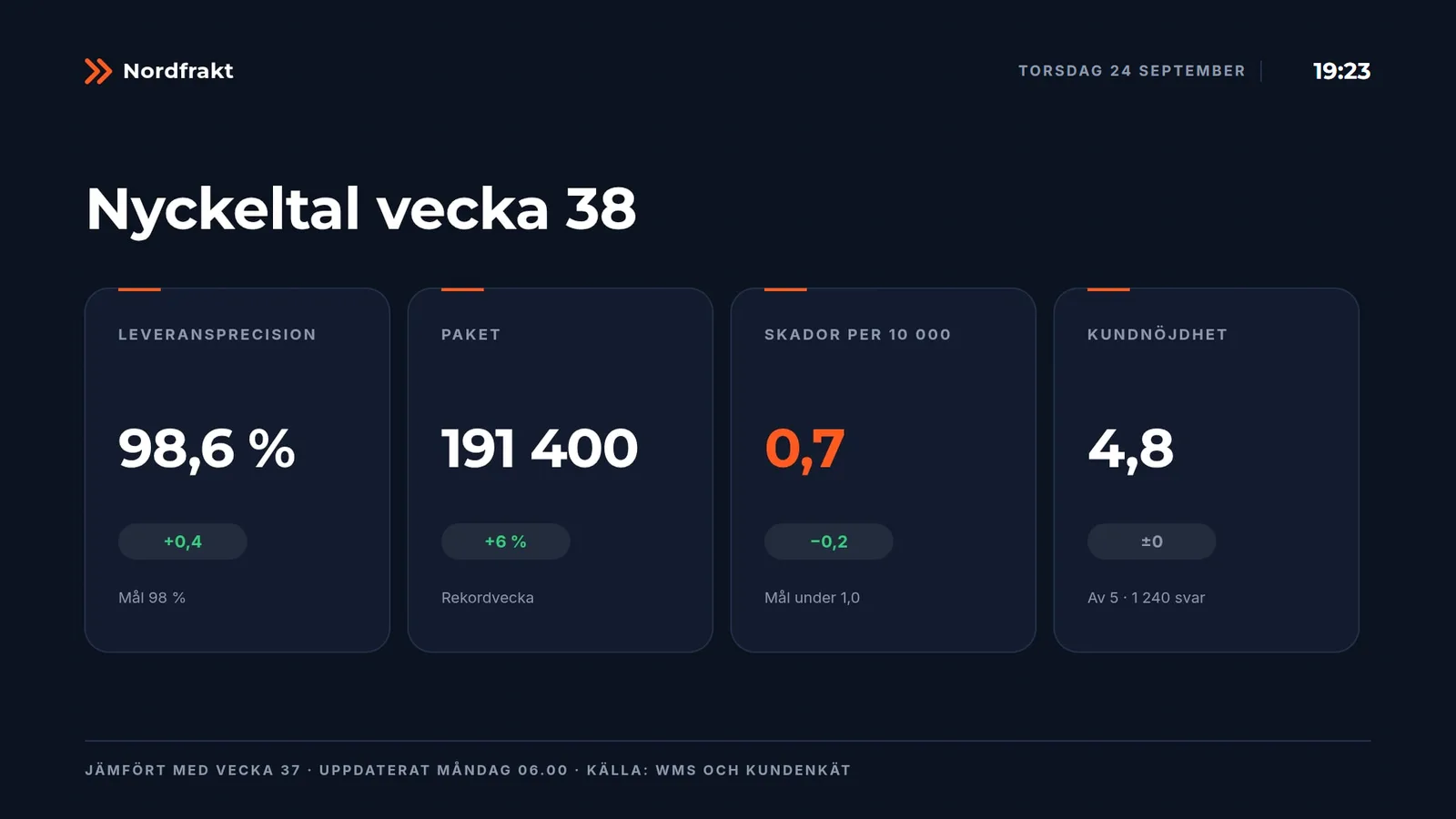
News feeds and figures from published spreadsheets – paste the link and the screen keeps itself up to date.
Drop an ordinary text document (.docx) and its headings, text and pictures become finished posts in the right template.
Invitations, new passwords, alerts and approvals – by email or straight into your team's chat channel.
The player runs in the screen's browser – older models too – or on a ready-made small player. Diagnostics, screenshots and restarts remotely.
// Features
The brand holds, whoever writes. Zones limit fonts, colours, size, characters and lines – and text that doesn't fit is stopped before it reaches the screen.
Every file is checked and stored in the screen. If the network drops, the screen plays on – and even restarts without it.
Days, times, dates and priority per screen or group. The timeline is sent ahead, so the screen switches on the second even offline.
Switch on review for the whole organization or a single group. What gets published is exactly what was approved.
A message – or black – on one screen, a group or everything. Reaches the screens in about a second.
Put a question on the screen – staff answer on their phones and the result grows live. Anonymous, one vote per phone, no sign-in. The designer decides the look, anyone can ask.
Single sign-on with your company account – one password fewer. Can be required for everyone, and people who leave can no longer get in.
Screens report what they actually showed – even while offline. See showings and time on screen per post, screen and day, and export them for the report.
See what the screens use, cost and emit – per screen and day – and what night mode saves. Ready for the sustainability report.
Open the test pattern on a screen and check sharpness, colours, edges and resolution on site.
Icy roads, snow or strong wind where the screen is? Cancelled or delayed departures? The right post shows while it applies – and goes away when it is over.
Administrator, designer and local user. Local users get whole groups or single screens – and see only those and their own content.
Every change to a template becomes a new version, and content keeps its history. Something went wrong? Restore an earlier version with one click.
See what every screen is playing right now. If a screen goes quiet or storage runs low, the right people get an alert – in the app, by email or in your team's chat channel.
Every screen reports its browser, storage, network and clock. Run a test on site – the result shows up in the admin.
Add your fonts and colours once. New templates start in your style, and the gallery shows every template filled in – so everyone picks the right one.
Take a photo, write two lines and publish. The picture is turned and scaled on the phone before it is uploaded.
A text document (.docx) becomes finished posts: headings, text and pictures land in the right zones and shrink to fit.
One page shows what is connected and guides you step by step through the rest – with ready-made instructions for IT.
Every event is kept with who, when, IP address and device in a chain that cannot be changed afterwards without it showing.
Files nobody has used for a long time are suggested for clean-up – nothing disappears unless someone decides so. Pictures made automatically and no longer used are cleared by themselves.
// Examples
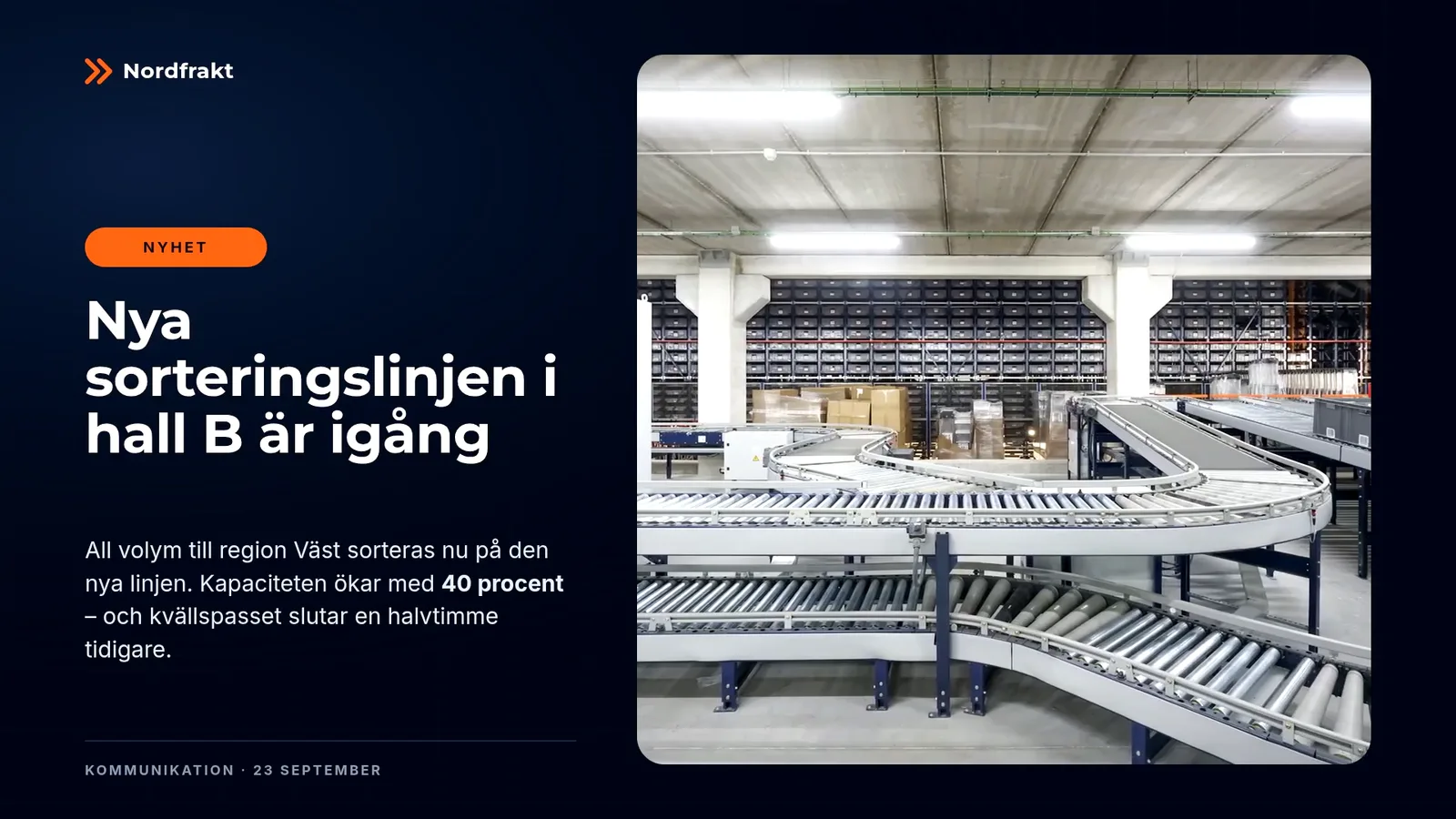
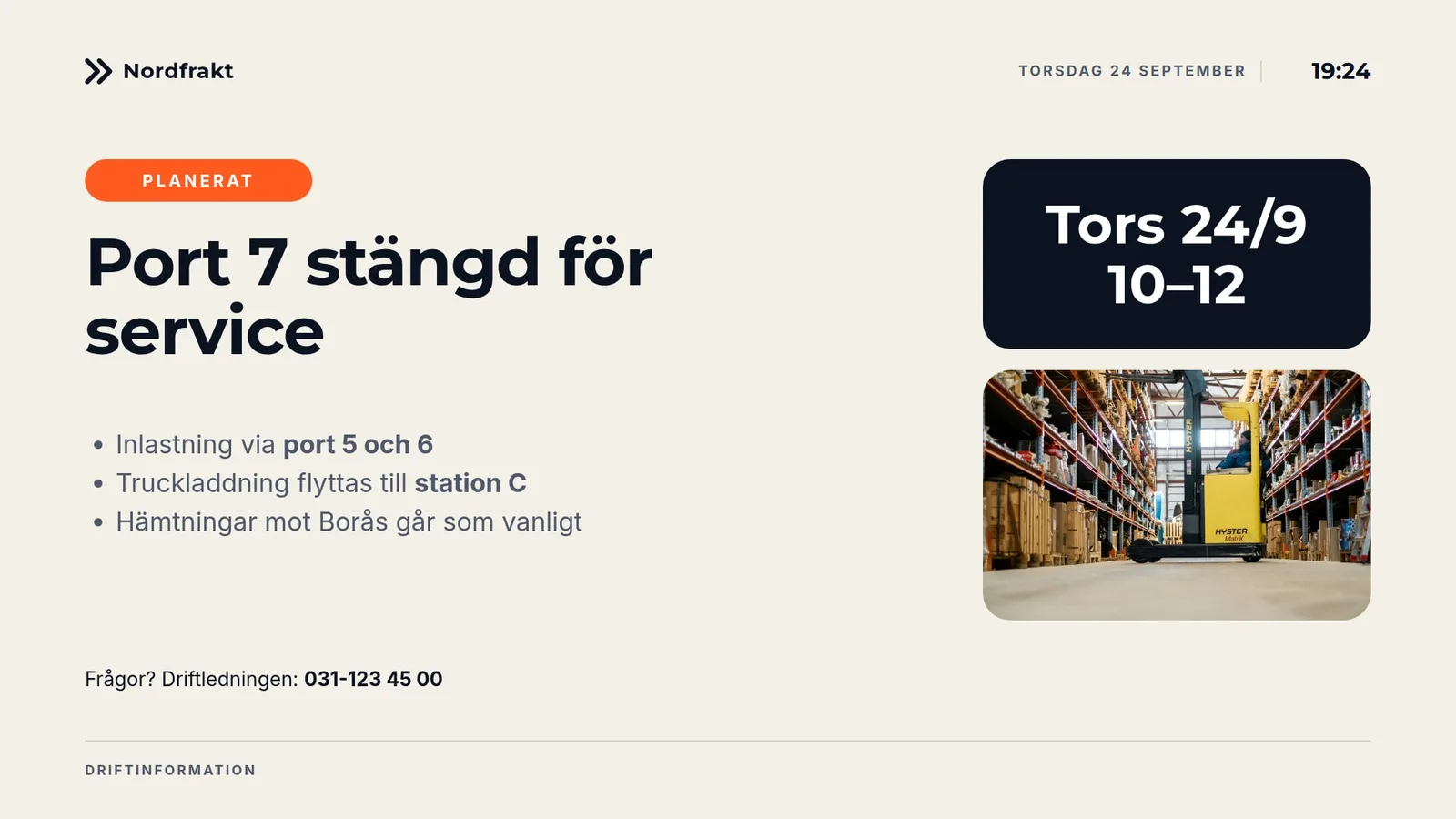
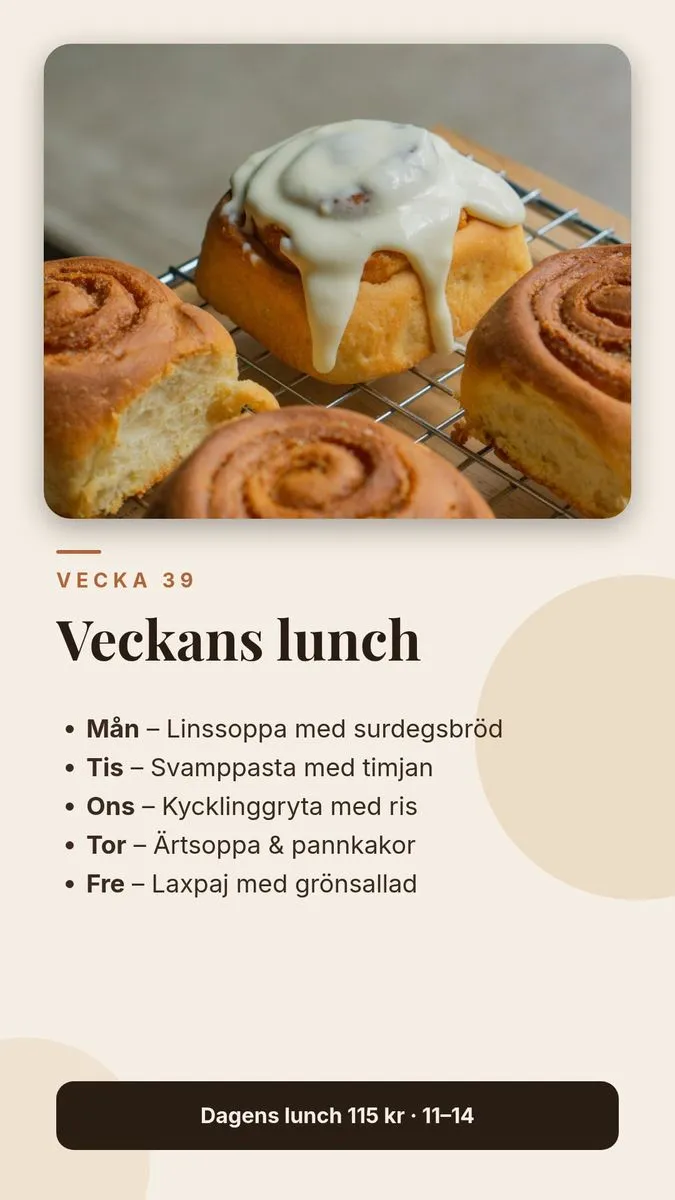
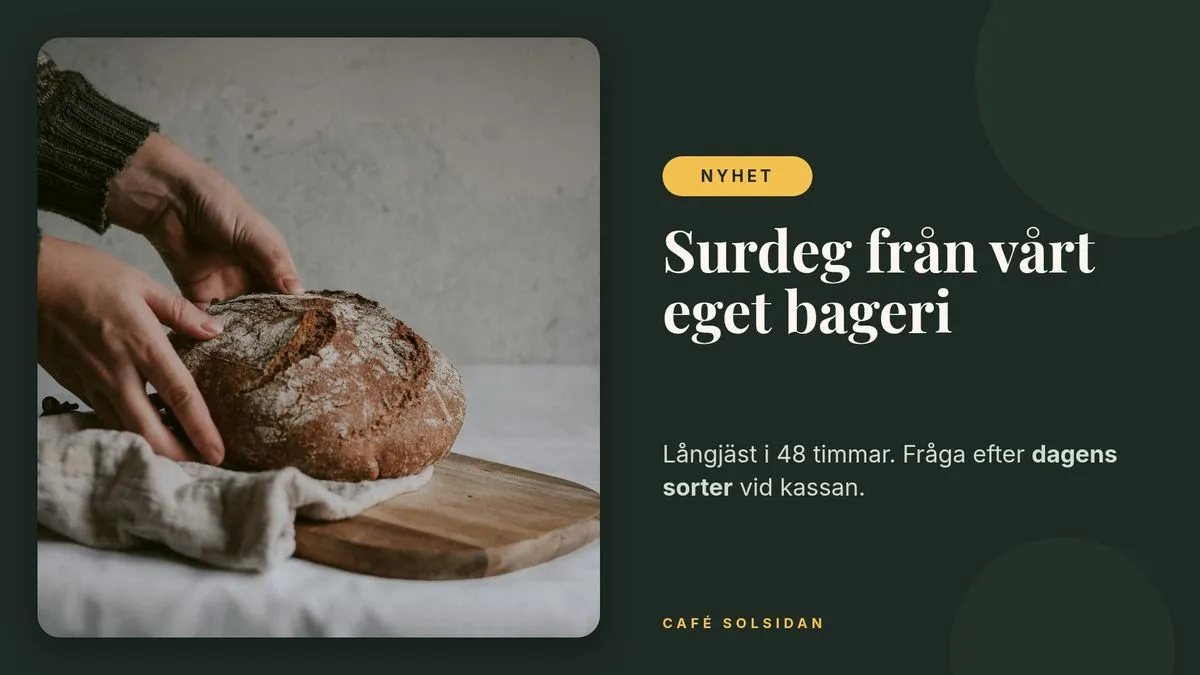
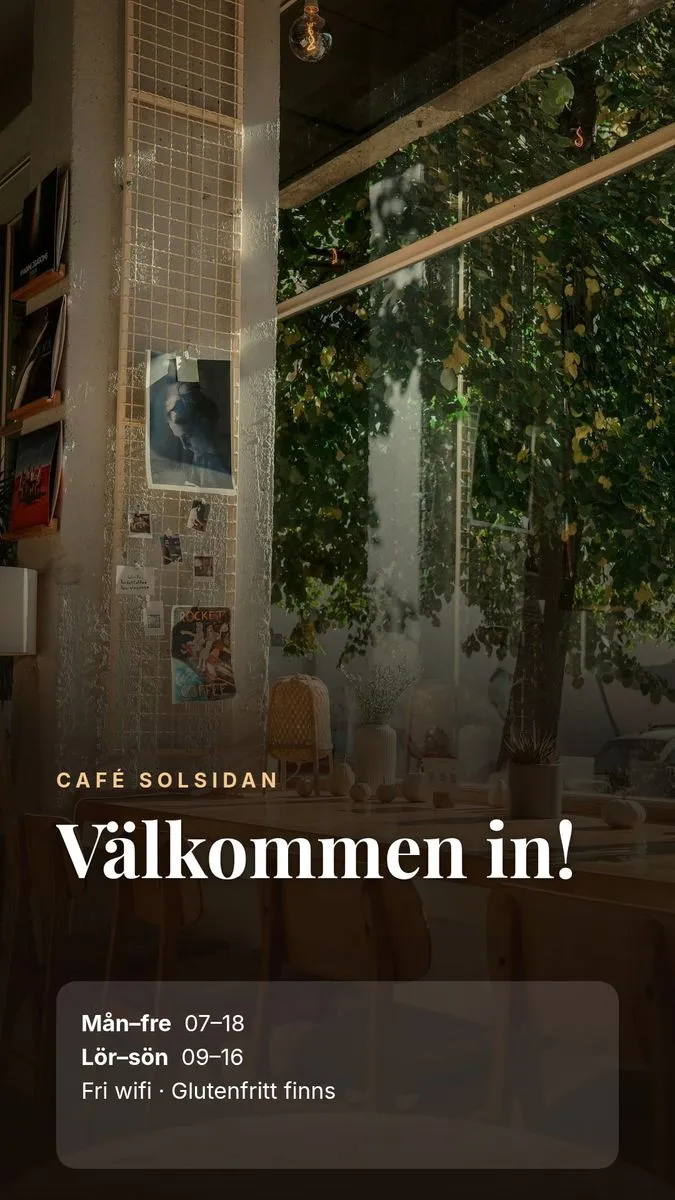
Real screens from two demo setups – a logistics company and a café. Same tool, completely different styles.

// Security and operations
Screens hang in public places and the content carries the brand. That's why security isn't an add-on – it's the foundation: zero trust, separated organizations and sign-in with your own company account.